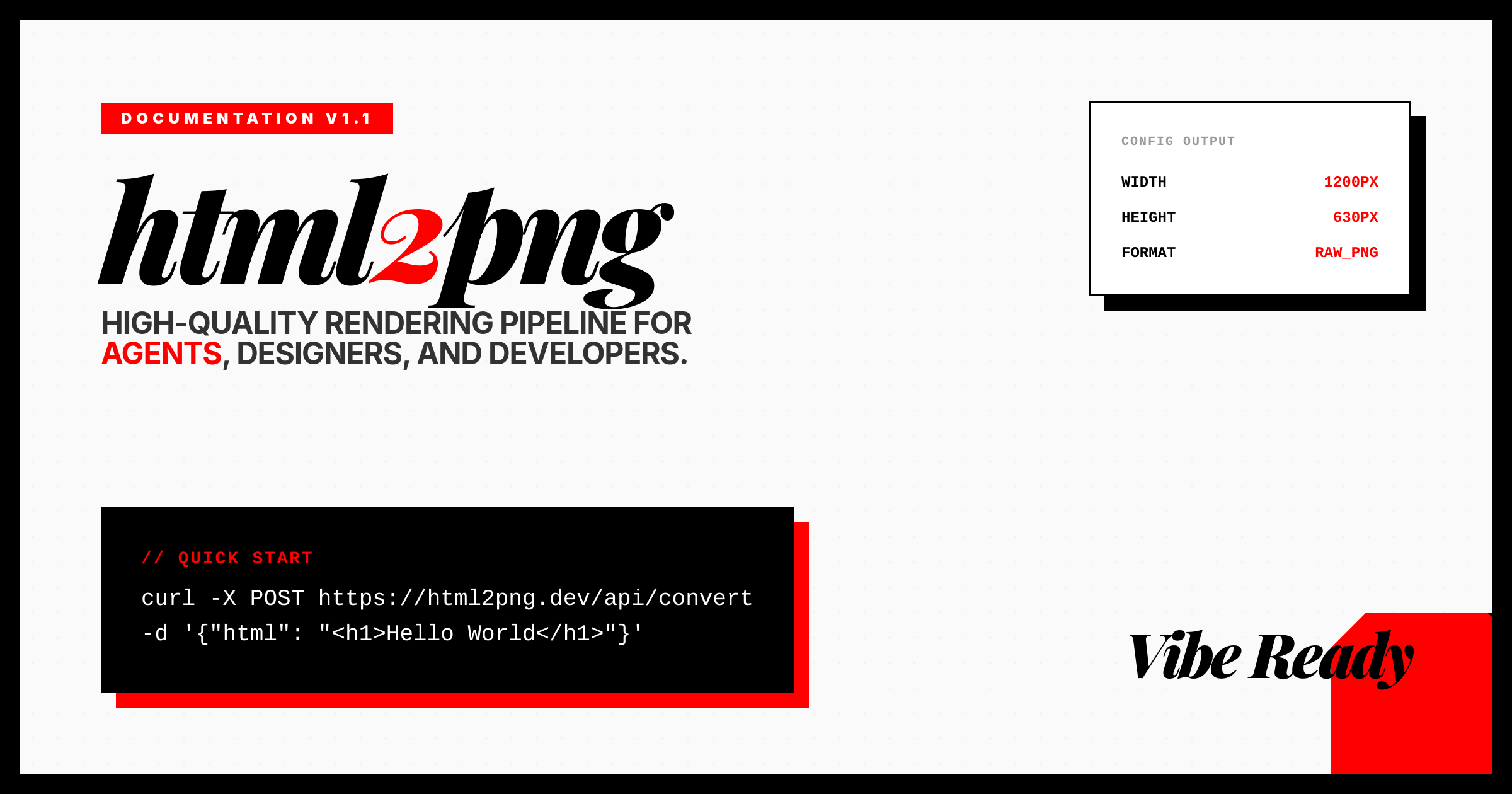
Why OG Images Matter for Your Brand
The Open Graph (OG) protocol controls how your website is represented when shared on social media. A poorly configured OG image can reduce click-through rates by up to 40%. This preview tool helps you visualize exactly how your link will appear on Twitter, Facebook, and LinkedIn before you publish.
Platform Specifications
| Platform | Recommended Size | Ratio | Max File Size |
|---|---|---|---|
| Twitter (X) | 1200 × 628 | 1.91:1 | 5 MB |
| 1200 × 630 | 1.91:1 | 8 MB | |
| 1200 × 627 | 1.91:1 | 5 MB | |
| Discord / Slack | 1280 × 720 | 16:9 | 8 MB |
Essential Meta Tags
Add these meta tags to your HTML <head> to control how your page appears when shared.
<!-- Open Graph -->
<meta property="og:title" content="Page Title" />
<meta property="og:description" content="..." />
<meta property="og:image" content="https://example.com/og.png" />
<meta property="og:url" content="..." />
<!-- Twitter Card -->
<meta name="twitter:card" content="summary_large_image" />
Dynamic OG Generation
Use the html2png.com API to generate dynamic OG images on-the-fly for every page.
// Generate unique OG per page
<meta property="og:image"
content="https://api.html2png.com/
?html={template}
&width=1200&height=630" />
Twitter Card Validator
Use the official X Card Validator to check how your OG image renders on Twitter and force a cache refresh.
Facebook Sharing Debugger
The Facebook Sharing Debugger shows you exactly what Facebook sees when it scrapes your page and allows you to clear the cache.
LinkedIn Post Inspector
Use the LinkedIn Post Inspector to preview your link's appearance on LinkedIn and refresh cached data.
Frequently Asked Questions
Why isn't my OG image updating?
Social platforms aggressively cache OG data. Use the platform-specific debugger tools (listed above) to force a "re-scrape" of your page. Also, try appending a query parameter like ?v=2 to your image URL.
What's the difference between og:image and twitter:image?
They serve the same purpose but for different platforms. Most sites use both. twitter:image takes precedence on Twitter/X, while og:image is used by Facebook, LinkedIn, and most other platforms.
Should I use PNG or JPG for OG images?
PNG is recommended for graphics with text or sharp lines. JPG is better for photos due to smaller file sizes. Avoid transparency as some platforms render it as black.
Why use 1.91:1 instead of 16:9?
While 16:9 is close, the 1.91:1 ratio (1200×628) is the sweet spot that Facebook and Twitter use. It minimizes cropping and looks optimal across all major social platforms without needing different sizes.
Need pixel-perfect OG images for all your pages?
Generate OG Images with html2png →